

The Ice Fishing Demo Game is a simple way to see how the game flows before you spend any money. It lets you watch the pace, the bonus structure, and the visual rhythm without any pressure. For many players, the Ice Fishing Live Demo is the easiest starting point because it shows the real layout in a low-stakes setting. This page explains how the demo works, what it teaches, and how to compare it with the live version.
If you are curious about Icefishing Demo play, the key thing to remember is that it is built for practice, not prizes. You can use Icefishing Game Demo sessions to learn the controls, test timing, and understand how features trigger. The goal here is not to chase winnings but to make the live game feel familiar when you are ready. That is why the Icefishing Live Demo is useful even for experienced players who want a quick refresher. Learn more about Ice Fishing Gambling Game.
50 Free Spins + 100% Match
Spin for free and get your deposit matched instantly
Get Bonus
Play the Ice Fishing Game Demo Online Today
Ice-themed games usually move at a steadier pace than fast arcade titles, and the Ice Fishing Game Demo reflects that rhythm clearly. You can see how the reel, lines, and bonus moments fit together before any real stakes are involved. The Ice Fishing Demo Game is useful when you want to compare features rather than guess how they work. It also helps you decide whether the presentation style suits you.
A good Ice Fishing Live Game Demo should behave like the full version in all the places that matter to a new player. That means the symbols, controls, and feature triggers need to feel consistent and easy to follow. With Ice Fishing Game Demo Play, you can pause your learning and restart whenever you like. That freedom makes the demo better than a quick screenshot or feature list.
What happens when you load the demo?
When the Ice Fishing Demo Game loads, you usually see the same visual setup that appears in the live environment. That is helpful because you learn where the important buttons sit before the first spin or reel action. In a well-built Ice Fishing Live Demo, the opening screen should make the game rules feel obvious rather than hidden. You can think of it as a guided first look.
The demo is most valuable when it lets you test the pace without pressure. The Ice Fishing Demo Game should show you how quickly features appear and how the round transitions feel. If you are using Icefishing Demo play for the first time, spend a few minutes watching rather than clicking fast. That small pause helps you understand the game more quickly later.
How close is the demo to the real live version?
A strong Ice Fishing Live Demo mirrors the layout of the real game closely enough that the learning carries over. The symbols, menu positions, and feature names should stay consistent so there is no confusion later. With Icefishing Live Demo play, the main difference is usually the lack of cash risk, not the design itself. That is exactly what makes the demo useful.
The best practice sessions feel believable, not simplified to the point of being misleading. If the Ice Fishing Game Demo skips too many rules or speeds up the action too much, it stops teaching you properly. A good Icefishing Game Demo still gives you a real sense of timing, feature frequency, and overall flow. That is what you want before moving on.
A short launch path makes the Ice Fishing Game Demo Play experience much easier to approach, especially if you are opening it for the first time. Use these steps to get from the lobby to a working session without wasting time.
- Open the Ice Fishing Demo Game page and wait for the session to load.
- Press play to begin Ice Fishing Game Demo Play and watch the first round.
- Check the symbols, menus, and feature prompts in the Icefishing Demo.
- Restart the Ice Fishing Live Demo if you want to test a different approach.
Once you have tried the Icefishing Demo Game, restart it a few times so the timing and feature flow become familiar.
Explore Ice Fishing Live Demo Features and Controls
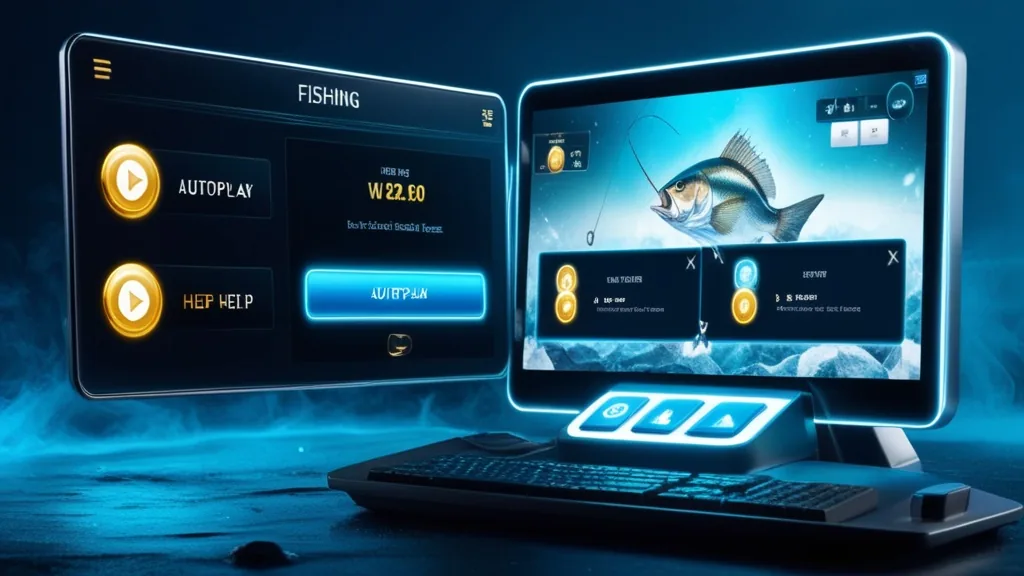
Most of the useful information sits on the main panel, which is why the Ice Fishing Live Demo is worth reading carefully rather than rushing through. The controls usually tell you more about the game than the theme does. In Icefishing Game Demo mode, you can study button placement and pacing before anything gets serious. That makes the first minutes surprisingly educational.
Players often focus on the visuals and miss the control details, but those details are what shape the session. The Ice Fishing Demo Game can include autoplay, sound toggles, help panels, and stake controls that change how you interact. If you are using Ice Fishing Game Demo Play, it is smart to learn where each control sits before testing features. That way, you spend more time observing and less time guessing.
Which controls should you watch first?
Start with the controls that affect speed and visibility, because those are the ones you will use most often. In Ice Fishing Game Demo Play, the spin or action button usually matters more than any decorative feature on the screen. The stake display and help panel are also worth checking because they tell you how the round is set up. That small bit of reading saves a lot of confusion later.
If the game offers sound or autoplay settings, do not ignore them. The Icefishing Demo version is the right place to see how quickly each setting changes the feel of play. Some players prefer a slower, more manual Ice Fishing Live Demo session so they can follow every result. Others want a quicker pace, and the demo lets them compare both approaches.
What should you expect from the feature flow?
Feature flow is the order in which symbols, bonuses, and round transitions appear. A clear Ice Fishing Demo Game should make that order feel intuitive, even if you do not hit a bonus straight away. When you try the Icefishing Live Demo, notice whether the information panel gives enough context to explain what is happening. That is a sign of a well-structured game.
The best demo sessions show how features are tied to timing rather than random screen clutter. If the Ice Fishing Live Game Demo presents bonuses in a consistent way, you can learn the rhythm and understand what to watch for. That rhythm matters because it helps you judge whether the game suits your taste. A tidy Icefishing Game Demo is usually easier to learn from than one that jumps around.
The quickest way to understand the interface in Ice Fishing Live Game Demo mode is to note the controls that affect pace, sound, and information flow.
- The reel or spin button sets the pace of each Ice Fishing Demo Game round.
- The stake display tells you how the session is configured in Icefishing Demo Game play.
- Sound, turbo, and autoplay options change how relaxed the Ice Fishing Live Demo feels.
- The info or help panel explains feature symbols in Icefishing Live Game Demo mode.
Once those controls are familiar, the Ice Fishing Game Demo becomes easier to read and much less distracting.
Start Icefishing Demo Game Play on Any Device
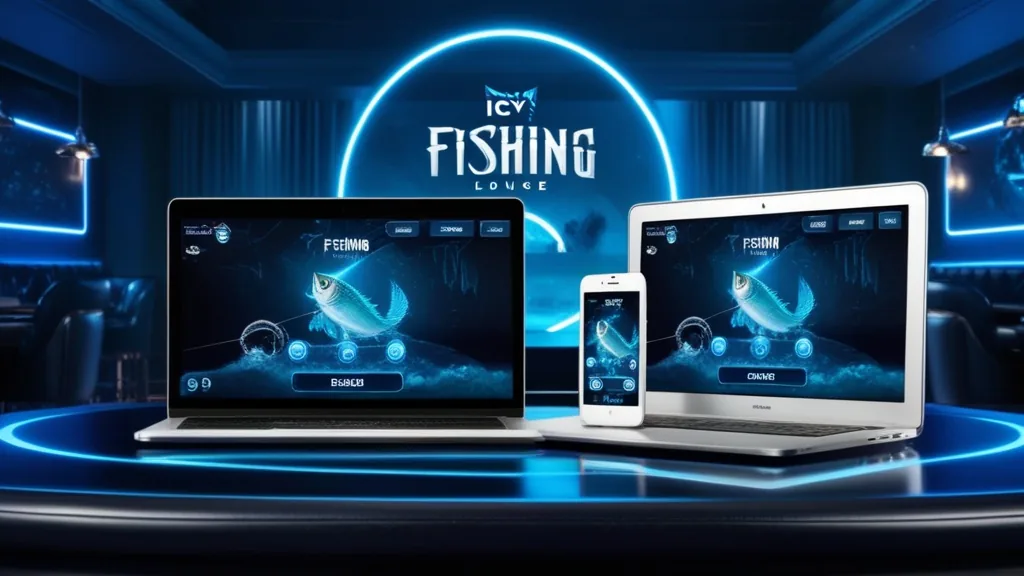
Device support matters because the first thing people notice is whether the game loads cleanly on their screen. The Ice Fishing Live Demo should keep the same core layout whether you open it on a laptop or a phone. In Icefishing Demo Game mode, you can quickly see whether buttons stay readable and whether the action fits the display. That is especially useful for players who switch between devices.
A good mobile session does not need to be simplified to work well. The Ice Fishing Demo Game should still show the main controls, key symbols, and feature prompts without crowding the screen. If you try Ice Fishing Game Demo Play on a smaller device, look at how easily you can tap, read, and restart. Those small usability details matter more than flashy animation.
Does the demo run well on mobile?
The main test is whether the interface remains clear without zooming or sideways scrolling. A solid Icefishing Live Demo should keep the buttons large enough to tap and the text legible on a narrow screen. If the game feels cramped, the problem is usually the page layout rather than the idea of mobile play itself. Good mobile design makes practice feel relaxed.
You should also check whether the pace still feels comfortable on a smaller device. In the Ice Fishing Demo Game, too many pop-ups or tiny labels can slow learning down, so the best version keeps things tidy. The mobile-friendly Ice Fishing Live Demo should make it easy to stop, restart, and review the controls. That is what turns a phone session into useful practice.
What should you check if a game does not load?
If the Icefishing Demo stalls, the first thing to check is whether the browser is up to date and whether the page has fully finished loading. A game that runs well in one browser may struggle in another, especially if the connection is unstable. The Ice Fishing Game Demo should usually recover after a refresh or a clean reload. That makes simple troubleshooting the best first move.
It also helps to clear the obvious distractions, such as too many open tabs or low device memory. When the Ice Fishing Live Demo refuses to start, the issue is often temporary rather than serious. Try a different device if you can, because that quickly tells you whether the problem is local. A smooth Icefishing Game Demo should not require much effort to launch.
Learn Ice Fishing Live Game Demo Strategies That Work

Practice only helps if you use it with a purpose, and the Ice Fishing Demo Game gives you enough room to do that. Instead of chasing random results, you can watch how often features appear and how the pacing feels from round to round. The Ice Fishing Live Game Demo is especially useful when you want to compare your instincts against actual game behaviour. That is where the real learning happens.
A lot of players use a demo for entertainment and then wonder why it did not improve their decision-making. With Icefishing Demo Game play, the better approach is to set one small goal, such as learning the feature order or reading the info panel properly. The Ice Fishing Demo Game works best when you treat it like a rehearsal. That mindset makes the live version easier to approach later.
How do you use a demo without treating it like a toy?
Treat the Ice Fishing Live Demo as a test environment where you can observe patterns, not just press buttons. That means watching what happens after each round and noticing whether the pace suits you. The Icefishing Game Demo becomes more useful when you slow down enough to spot details that would be easy to miss in a live setting. Small observations are often more valuable than fast play.
It also helps to repeat the same section a few times instead of rushing to everything at once. With Ice Fishing Game Demo Play, repetition shows you whether a feature is actually rare or simply easy to overlook. The Ice Fishing Demo Game is at its best when you use it to answer one question at a time. That keeps your practice focused and practical.
Which habits translate to the live version?
The habits that matter most are pacing, attention, and patience with the feature flow. In the Ice Fishing Live Demo, you learn where the useful information sits, and that knowledge carries over when stakes are real. An Icefishing Demo session can also teach you when to pause and when to keep going. Those timing habits often matter more than memorising symbols.
Another transferable habit is checking the setup before you begin. If you learn the layout in Ice Fishing Game Demo Play, you are less likely to feel lost when the real game starts. The Icefishing Live Game Demo also helps you build confidence around menus, controls, and round transitions. Confidence is not a winning guarantee, but it does make the game easier to follow.
Compare Icefishing Game Demo and Live Demo Options
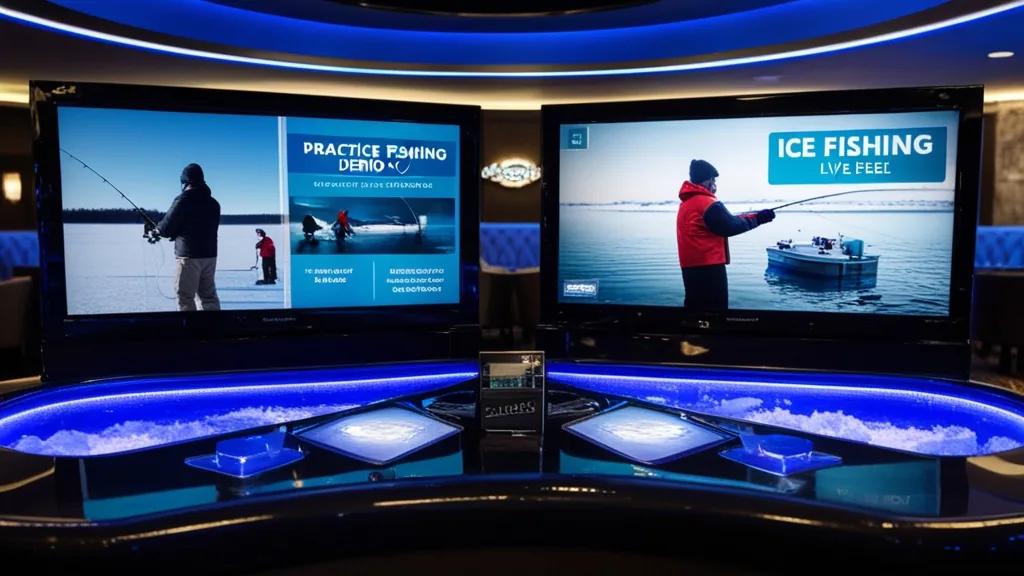
The difference between demo styles often comes down to purpose, not presentation, and the Ice Fishing Demo Game is a good example of that. One version helps you practise safely, while another helps you understand how the full live environment feels. The Ice Fishing Live Demo can look similar on the surface, but the player mindset changes because there is more to compare. That is why it helps to line the options up side by side.
If you are deciding between Icefishing Game Demo play and a more live-feeling session, the useful question is what you want to learn. Some players only want the basic loop, while others want the atmosphere and control flow of the full game. A comparison of Ice Fishing Live Game Demo features makes that difference much clearer. Once you see the pattern, the choice is easier to make.
When is the demo enough on its own?
The Ice Fishing Demo Game is enough on its own when you mainly want to learn the controls and feature rhythm. If your goal is practice, there is no need to complicate the session with extra expectations. The Icefishing Demo can teach you the layout, the pacing, and the basic mechanics without pressure. That is often all a new player needs at the start.
It is also enough when you want a quick refresher after a break from the game. A short Ice Fishing Game Demo Play session can remind you where the useful information sits before you move on. The Ice Fishing Live Demo comparison becomes more useful later, once you already understand the basics. At that point, the demo has done its job.
When does the live demo add more value?
The Ice Fishing Live Demo adds value when you want the closest possible feel to the real presentation. Some players learn better when the interface, pace, and feature flow all feel authentic. In that case, Icefishing Live Demo play is helpful because it removes uncertainty about how the game actually behaves. You get a clearer picture of the full experience.
The live-feeling version is also useful if you are comparing games and want to judge atmosphere as well as mechanics. A Ice Fishing Game Demo can teach you the basics, but the Icefishing Game Demo and live-demo style side by side can show which one feels more natural. That comparison is especially handy if you care about tempo and readability. Once you know that, choosing between versions is straightforward.
- Cost to play
- Free practice mode with no stake pressure
- Primary purpose
- Learn rules, controls, and feature timing
- Pacing
- Good for slow, repeated practice
- Interface
- Core buttons, symbols, and info panels
- Best for
- First-time players and refresher sessions