

The Ice Fishing Game App is built for players who want a quick mobile session without the friction of a desktop setup. On a phone, the game feels more immediate because the controls, menus, and loading flow are designed around touch input. That makes the Ice Fishing App a practical option for anyone who likes to dip in for a few minutes at a time. This page explains how the mobile version works, what the install process looks like, and what features matter most on smaller screens.
Searches for Icefishing App and related mobile terms often come from people who want the simplest possible route from download to play. Device type matters here, because iPhone, Android, iOS, and APK installs do not always follow the same path. If you are comparing the Best Ice Fishing App options, the real question is usually which version feels stable and easy to use on your own phone. The sections below break that down in clear, practical terms.
50 Free Spins + 100% Match
Spin for free and get your deposit matched instantly
Get Bonus
Why the Icefishing Game App Stands Out on Mobile
Mobile-first play changes the pace immediately, and the Icefishing Game App is easy to understand because the main actions stay simple on a smaller screen. Players do not need a long setup routine to get to the game, and that matters when they only have a short break. The Ice Fishing App format also makes it easier to follow menus with one hand while staying focused on the session itself. That is why the mobile version tends to feel faster than a browser tab filled with extra clutter.
A lot of users search for Ice Fishing Casino App even when they really want a compact mobile game page that loads cleanly on a phone. The phrase usually signals that people want a casino-style experience with the convenience of a dedicated app. When that search leads to the right build, the benefit is smoother navigation and fewer taps between screens. The best result is not flashy design, but a layout that stays responsive and readable on the device you already use.
Why does the interface feel easier on a phone?
The mobile interface works well when icons are large enough to tap without hunting across the screen. That is one reason the Ice Fishing App can feel more natural than a crowded desktop layout. Menus usually sit closer to the action, so you spend less time scrolling and more time playing. On a phone, that kind of simplicity makes a real difference during short sessions.
A cleaner layout also helps reduce mistakes, especially when you switch between game screens quickly. The Icefishing App experience is strongest when the buttons are spaced sensibly and the text remains easy to read outdoors or on the move. Sound, notifications, and session prompts should all feel clear rather than distracting. If the app is well designed, the whole process feels more like a game and less like a technical task.
Is the app good for short play sessions?
Yes, short sessions are often where the Ice Fishing Game App makes the most sense, because mobile play does not ask for a long commitment. You can open it, check the lobby, and get started without spending much time on setup. That is useful for commuting, lunch breaks, or any moment when you only want a quick round. It also means the app should load quickly and return you to the same place without extra friction.
The best mobile experience usually remembers that people are not always sitting still in front of a desk. A stable Best Ice Fishing App candidate should keep controls simple and keep background activity light. If the game supports quick sound toggles or fast exits, that is another sign it was built with mobile use in mind. Small convenience details often matter more than visual extras when you play in short bursts.
A strong Ice Fishing App usually stands out for a few practical reasons rather than one dramatic feature.
- A clean layout keeps the Icefishing Game App easy to use with one thumb.
- Fast loading helps the Ice Fishing App feel responsive during short breaks.
- Readable icons and menus reduce mistakes when you move between screens.
- Simple sound controls matter because many players prefer quieter mobile sessions.
If those basics are handled well, the Best Ice Fishing App for you is usually the one that feels smooth, clear, and low effort on your phone.
Ice Fishing App Download for iPhone and Android Devices

The Ice Fishing App Download process is rarely identical on every device, and that is especially true when you compare iPhone with Android. iOS users often need a more controlled installation path, while Android users may see an APK or a standard package depending on the source. People searching for Ice Fishing Iphone usually want the cleanest route on Apple hardware, while others just want the fastest way to start. The useful thing to remember is that the right file type depends on the phone you already own.
A sensible Ice Fishing Game App download starts with basics like storage space, OS version, and a stable internet connection. Those checks sound simple, but they prevent most installation problems before they begin. If you are looking for Ice Fishing iOS guidance, the main goal is to match the version to your device rather than forcing a file that does not belong there. That approach keeps the download process safer and a lot less confusing.
Where should you start the download?
Start by confirming which operating system your phone uses, because that determines the right Ice Fishing App route. iPhone users need an iOS-compatible option, while Android users may be offered a store-based install or an APK. The label matters, because the wrong format can waste time or fail before installation finishes. If you search carefully first, the actual download step becomes much easier.
A good rule is to match the download path to the device name rather than the game name alone. Someone looking for Ice Fishing Iphone should think in Apple terms from the beginning, while an Android player should check whether the build is packaged as an APK or a regular app file. That is the simplest way to avoid confusion. Once the file type matches the phone, the rest of the install tends to feel straightforward.
How do you know the file is safe for your phone?
Safety starts with checking whether the file type makes sense for your operating system. A legitimate Ice Fishing APK should only be used on Android, and it should come with the expected permissions and install prompts. If a file asks for unrelated access or looks unusually large, it is smart to pause before continuing. The same common sense applies to any mobile game download, not just this one.
It also helps to compare the source with normal device behaviour before you confirm anything. When the Ice Fishing App Download flow looks clean, the phone should guide you through the process without strange warnings that do not match the file type. If the path seems unclear, stop and review the source again rather than guessing. A careful install is usually a better choice than a rushed one.
A simple Ice Fishing App Download routine usually works best when you follow the steps in order.
- Check storage and OS version first so the Ice Fishing iPhone or Android build has room to install.
- Choose the version that matches your device, whether that is Ice Fishing iOS or an Android package.
- Allow the requested permissions only after confirming the source looks legitimate.
- Open the app, sign in, and test a setting or two before starting a full session.
If anything looks inconsistent, pause and recheck the Ice Fishing APK or iOS source before trying again.
- iPhone
- Approved mobile source or app store-style route
- Android
- Standard Android installation path
- Android APK
- Manual file install
- iOS
- Device-approved install path
Ice Fishing iOS and APK Installation Made Simple
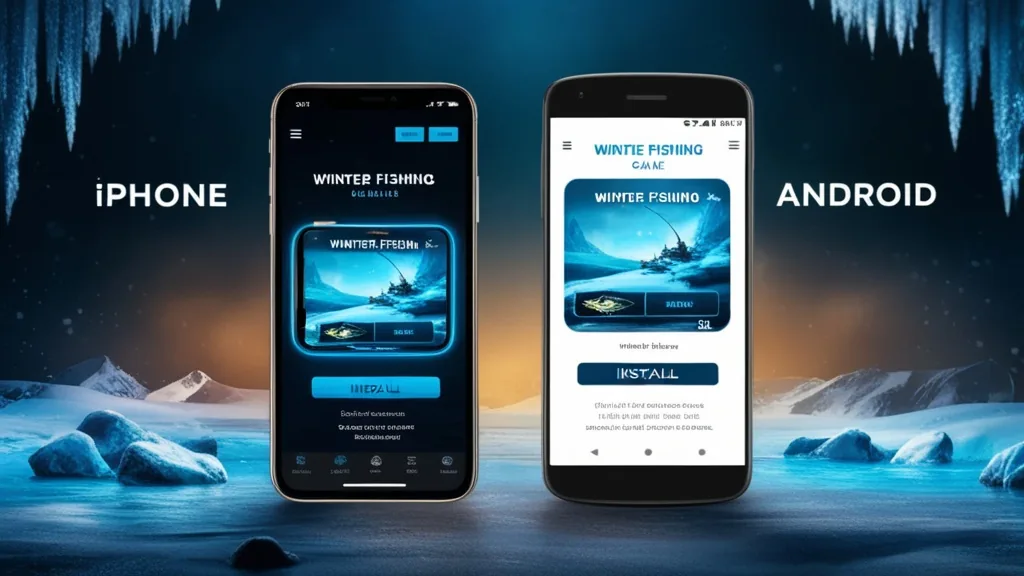
The differences between Ice Fishing iOS and APK installs come down to how the phone accepts new software. iPhone users usually follow a more guided path, while Android users may have the option of a direct file install if the source provides one. That is why people often compare Ice Fishing APK instructions with iPhone steps before they start. Knowing which path applies to your device saves time and reduces avoidable errors.
When an install works properly, it should feel predictable from the first prompt to the final launch. A good Ice Fishing App install does not require technical guesswork, and it should explain permissions in a way that makes sense. If you are using Icefishing iOS search terms, you are probably looking for the cleanest Apple-friendly route rather than a complicated workaround. The goal is a straightforward setup that ends with the app opening normally on the first try.
What happens during an iPhone install?
On iPhone, the install flow usually feels guided, with each step appearing in a clear order. That is one reason Ice Fishing iOS searches are so common, because users want a process that behaves predictably on Apple hardware. If the source is correct, the phone should handle most of the work for you. You normally just confirm the prompts and wait for the app to finish preparing.
The important part is not speed, but consistency. A well-made Ice Fishing App installation should make permissions understandable and keep the final launch simple. If the phone asks you to review something, read it carefully rather than tapping through too quickly. That small pause can prevent confusion later, especially if the app needs a login or additional setup step.
Why do Android users look for an APK?
Android users often search for Ice Fishing APK when they want a direct installation file or when the app is not being installed through a standard store flow. An APK can be useful because it gives the user more control over how the app is added to the device. It also helps when someone wants to manage the file manually or keep a copy for later. The trade-off is that you need to pay closer attention to permissions and source quality.
That is why Icefishing Game App instructions for Android usually include extra cautions. The APK route should still feel simple, but it should never feel vague. If the file is clear, the version matches your device, and the permissions make sense, the install should be manageable. When any part feels off, it is better to stop and check the details before going further.
Ice Fishing Casino App Features and Player Login
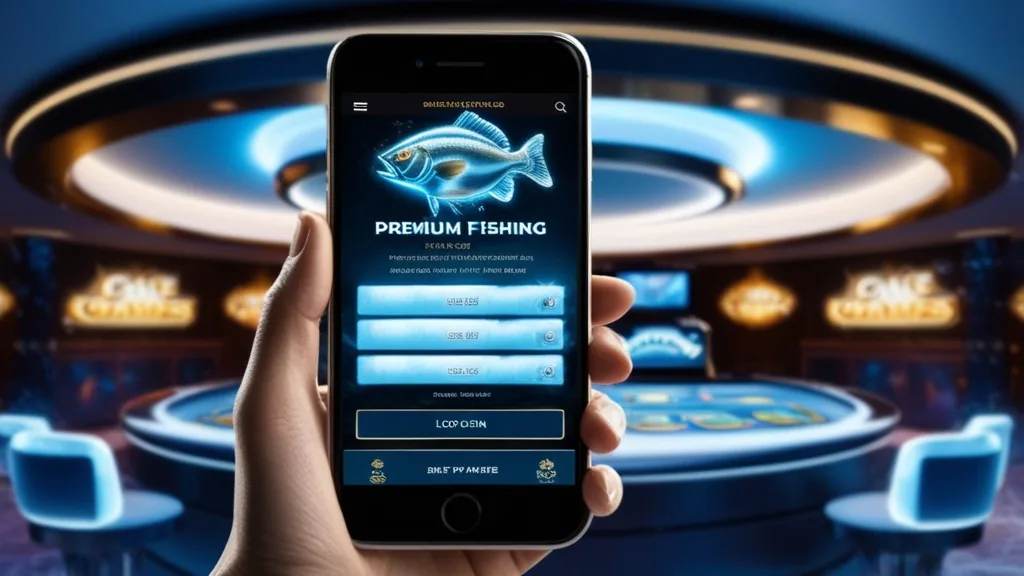
Once the app is open, the real difference between a basic mobile title and a polished one becomes obvious. The Ice Fishing Casino App search term usually comes from users who want a casino-style lobby, fast access to play, and simple account handling on mobile. If the layout is well designed, the Ice Fishing Login App process should not feel like a chore before the game even starts. Good features are the ones that disappear into the background and let you focus on the session.
Login matters because mobile users expect speed, but they also expect enough security to feel comfortable. A smooth Ice Fishing App should make it easy to return to your account without forcing extra steps every time you open it. That balance is especially important on smaller screens, where typing and switching between apps can be slightly more awkward. The most helpful mobile features are usually the ones that save taps and reduce repetition.
Which features matter most on mobile?
The best mobile features are often the most practical ones: clear menus, easy navigation, and quick access to the main lobby. A solid Best Ice Fishing App candidate should also keep the interface readable without zooming or squinting. Players usually notice fast loading and simple sound controls before they notice anything decorative. That is because convenience affects every session, while visual extras only matter occasionally.
If the game includes account history, bonus prompts, or saved preferences, those tools should remain easy to find on a phone. The Ice Fishing Game App works better when the most-used options are only a tap or two away. Features that support shorter sessions, like quick resume and compact menus, can make a real difference. On mobile, smart design usually beats feature overload.
How does the login flow usually work?
A mobile login flow should be direct: open the app, enter your details, and confirm access if the system asks for it. That is why the Ice Fishing Login App phrase makes sense to users who want a simple return path to their account. If saved login details are available, the app may reduce typing on later visits. On a phone, that convenience can save time and reduce errors.
The most important part is that the login screen feels understandable rather than crowded. A good Ice Fishing App should clearly separate username, password, and any security checks. If extra verification appears, it should still be easy to follow on a small screen. When the process is clear, users can get back to the game quickly without wondering what to do next.
What should you do if login details fail?
If login details do not work, start by checking for simple mistakes like caps lock, old passwords, or cached data. Many users searching for Icefishing App help are just dealing with a typo or an outdated saved entry. It is also worth confirming that the account name matches the one you normally use. Small input errors are common on mobile keyboards, especially when you are moving quickly.
If the details are correct and the app still refuses access, the next step is to review whether the version you installed is current. The Ice Fishing Casino App experience is usually smoother when the app and account system are aligned. Sometimes a fresh sign-in or a reset of stored credentials fixes the issue. If the problem continues, the safest approach is to recheck the install and try again carefully.